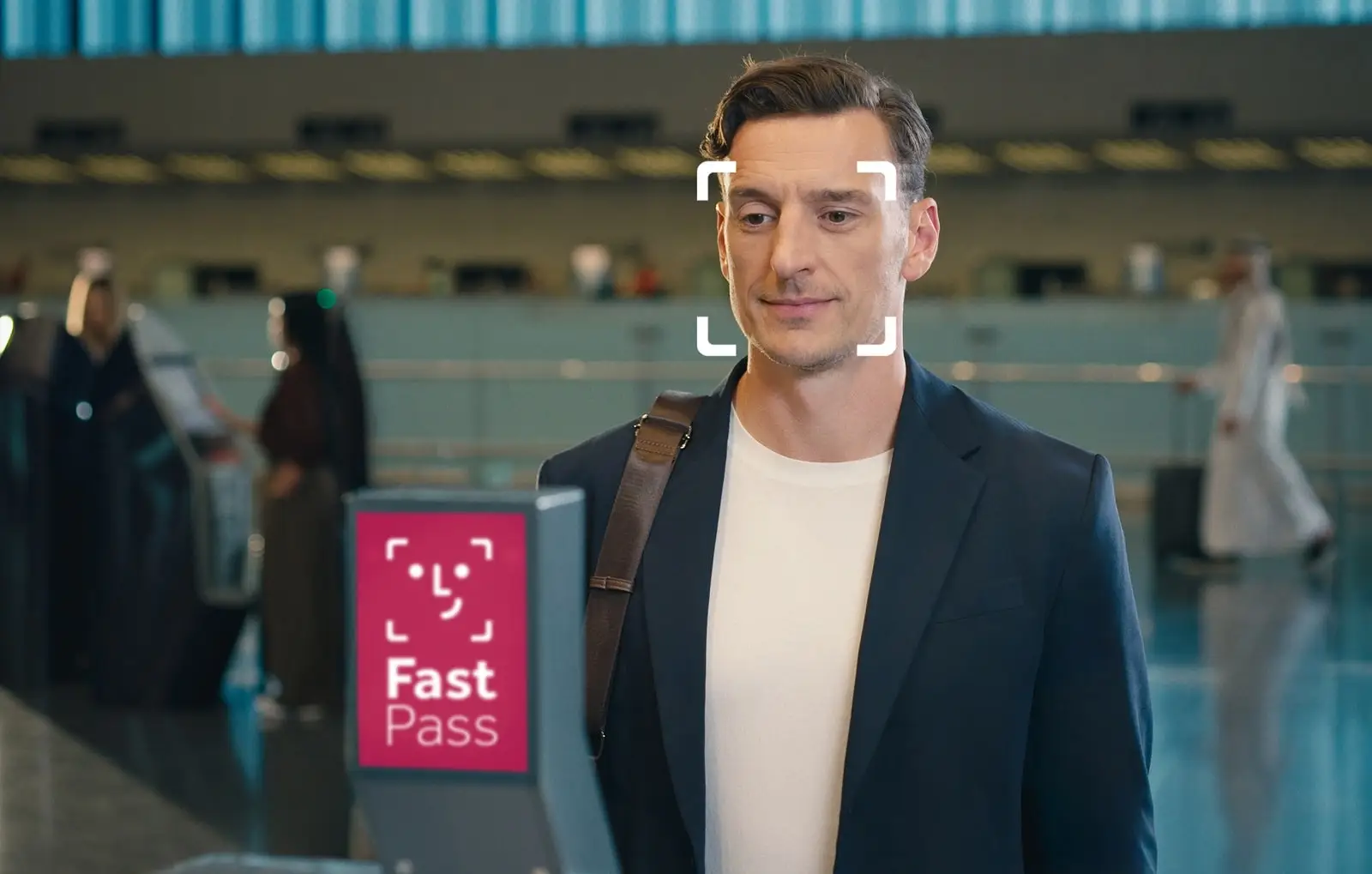
Qatar Airways, in partnership with Hamad International Airport, has introduced Fast Pass, a facial recognition service that enables passengers to move through the airport using biometric verification.
Developed jointly by Hamad International Airport (HIA) and Qatar Airways with technology partner SITA, Fast Pass enables eligible passengers flying with Qatar Airways to move through check-in, bag drop, security and boarding with fewer document checks, supporting a faster, more seamless and more paperless departure experience.
The airport said the rollout connects more than 700 touchpoints into a single biometric journey, making it one of the largest biometric passenger implementations of its kind in the Middle East and globally.
What is Qatar Fast Pass?
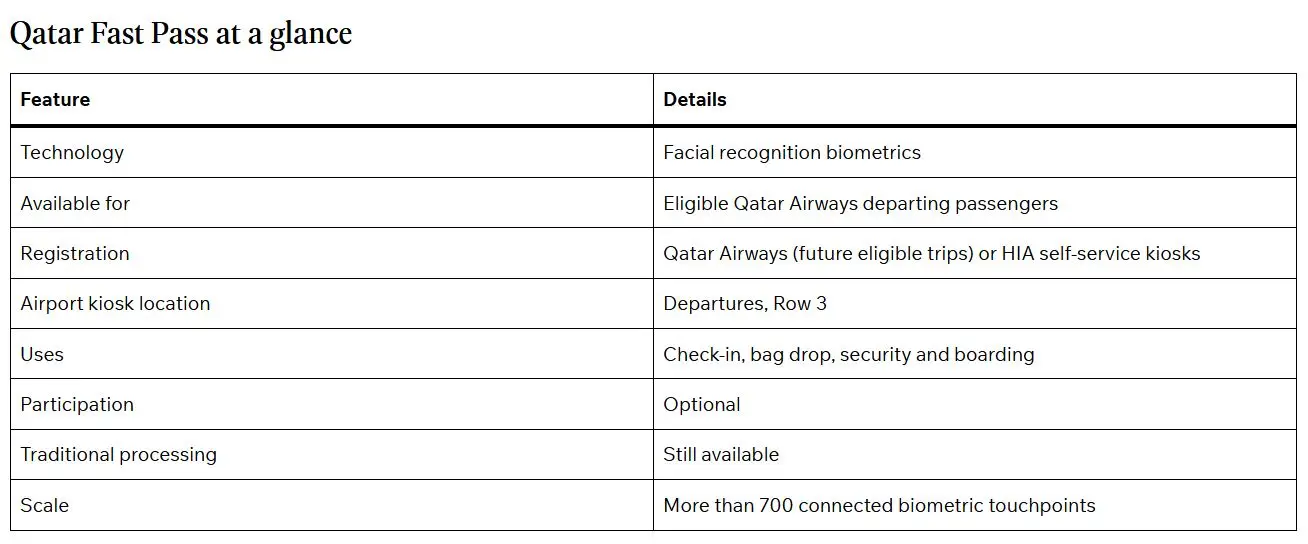
Fast Pass allows eligible passengers to create a biometric profile using facial recognition before departure. Once enrolled, passengers can use their face instead of showing their boarding pass at selected airport touchpoints while maintaining security and data protection standards.
The service is currently available for departing Qatar Airways passengers only. Participation is optional, with standard processing remaining available for passengers who prefer not to enrol.
Where can passengers use Fast Pass?
Once enrolled during check-in, Fast Pass supports secure, face-based identity verification at self-service bag drop, automated security gates and self-boarding gates
Passengers’ personal data is only shared with the airport and its service provider for the time it takes to complete their trip and deleted 24 hours after their flight departs. Passengers’ personal data also remains securely available in the Qatar Airways app.
The airport stated that the process takes only seconds and is designed to reduce document checks and waiting times, particularly during busy travel periods.
How to set up Fast Pass
Enabling Fast Pass on the Qatar Airways app is easy and saves time at the airport. All you need is your passport and the latest version of the app installed.
Passengers travelling on the day can also register at self-service kiosks located at Departures, Row 3. Airport registration activates Fast Pass for the current trip only.
The airport says the process involves three simple steps:
- Step 1 – Register and check in: Passengers select the Qatar Airways option on the self-service kiosk, accept the Privacy Notice, scan their passport and, if their flight is eligible, receive a boarding pass before taking a photograph to complete biometric enrolment. Passengers who choose not to enrol, can continue through the normal check-in process
- Step 2 – Bag drop: Passengers with checked baggage can print bag tags at the same kiosk before using the nearby self-service bag drop. Those travelling with hand luggage only can proceed directly to security
- Step 3 – Continue through the airport: Once registration is complete, passengers can use facial recognition at security and self-boarding gates instead of presenting their boarding pass
Increasing demand for biometric travel
HIA said global demand for biometric travel continues to increase. Citing the International Air Transport Association (IATA), the airport said most passengers now prefer biometric identification over physical travel documents.
The launch forms part of Hamad International Airport’s broader Innovation Roadmap. The airport said Fast Pass will continue expanding across additional airport touchpoints and is expected to become available to other airlines operating from HIA in the future through continued collaboration with technology partners.